You do not need a phone full of Chinese apps. Most visitors can cover payments, transport, maps, translation, and train tickets with five or six tools. The key is to set them up before you arrive, test them on a small task, and keep offline backups. This guide focuses on what actually helps in Chengdu, not a exhaustive list of every app in China.
The core five
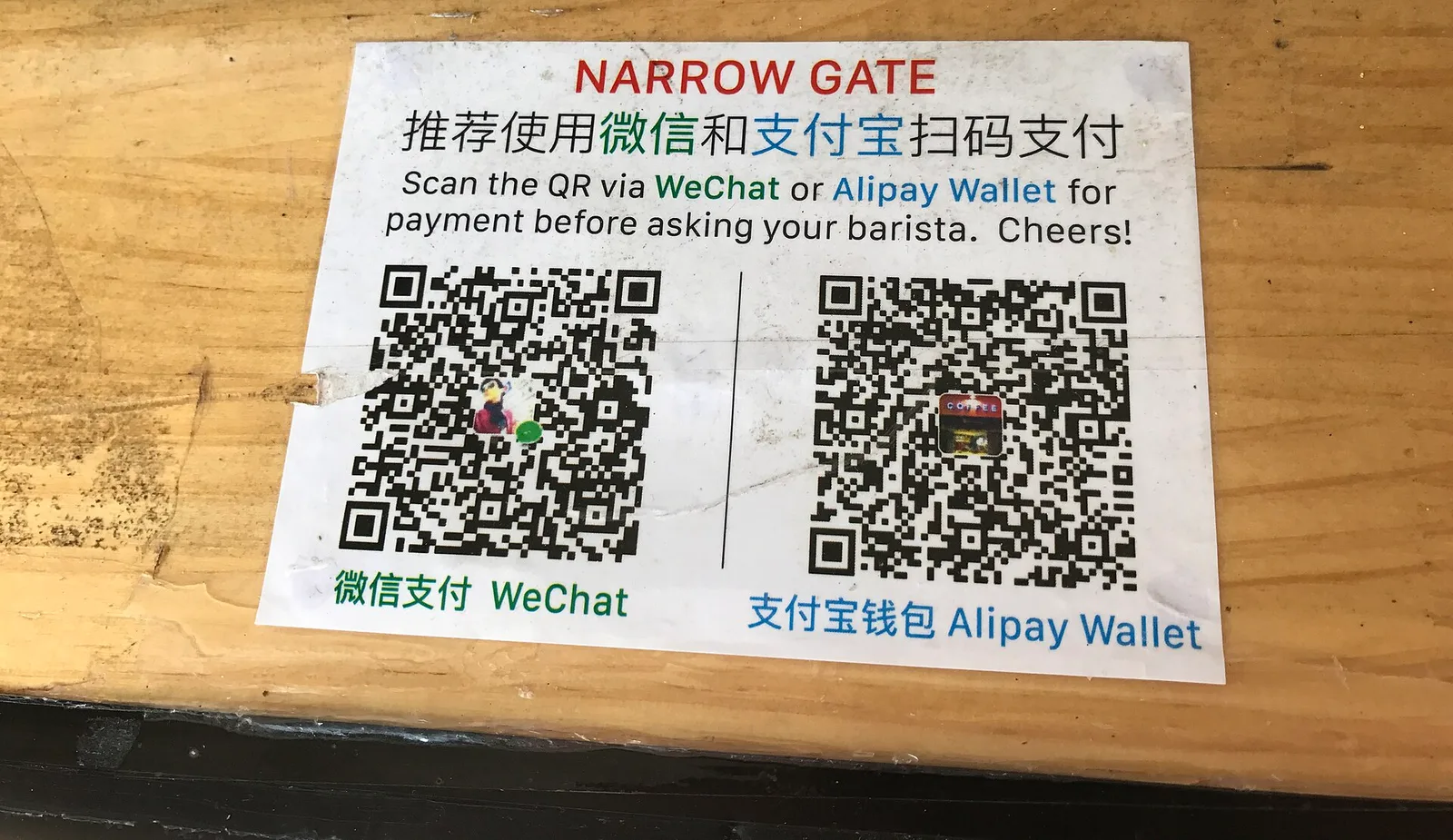
Alipay handles payments and also contains mini-programs for metro, DiDi, and some translation services. WeChat is useful for messaging and as a second payment option. DiDi is the ride-hailing app. A translation app with offline Chinese is essential. Trip.com or the official 12306 app covers trains and some attraction tickets.
For maps, Apple Maps works reasonably well in China, and Amap (Gaode) is more accurate locally but mostly Chinese-language. Google Maps may be unreliable. Download offline maps of Chengdu before you leave.
- Alipay: payments and mini-programs
- WeChat: messaging and backup payment
- DiDi: ride-hailing
- Translation app with offline Chinese
- Trip.com or 12306: trains and tickets
What to set up before you fly
Create accounts, verify your passport, link a card, and test a small payment. Save your hotel address in Chinese. Download offline translation and maps. Add your flight and train details to your calendar. If you plan to use DiDi, complete the registration and payment setup at home, where you have reliable internet and can receive verification codes.
Do not wait until you are standing in a taxi queue or a restaurant with a hungry group. App setup is the most common first-day friction for visitors.
What you can skip
You do not need Dianping, Meituan, Baidu Maps, or a dozen other local apps unless you are staying long-term or traveling extensively. They are useful but often Chinese-only, and the setup cost outweighs the benefit for a short trip. Similarly, you do not need a VPN recommendation from a travel site; check your carrier's guidance and plan connectivity before arrival.
Keep your phone organized: put the five core apps on your home screen, save key addresses in notes, and carry a power bank. A simple setup you understand beats a complex one you do not.
- Skip Chinese-only apps for a short trip
- Keep core apps on your home screen
- Save addresses and bookings offline
Mini-programs and daily routines
Alipay is more than a wallet: its mini-programs cover metro codes, DiDi, shared bikes, attraction tickets, and some translation. WeChat mini-programs do similar work for restaurant queues and museum reservations. You do not need to install each service as a separate app; search inside the wallet app first. The catch is that each mini-program may ask for location and phone permissions, and a foreign card that works for one may not work for another.
Set up a routine rather than a pile of tools. In the morning, check the weather and your route in Apple Maps; at a restaurant, scan the table QR code to order if there is one; at the metro, open the transport code before you reach the gate; at night, book the next day's train or attraction slot. Shared power banks are everywhere and charge by the hour through Alipay or WeChat; return one to the correct brand slot or the fee keeps climbing. Keep a cable in your bag as backup.
- Look for services inside Alipay or WeChat first
- Scan table codes to order at some restaurants
- Return shared power banks to the right slot
Best for
- Independent travelers who want a simple digital setup
- Anyone using metro, DiDi, and mobile payments
Honest notes
- Some apps are Chinese-only and difficult to use.
- Google Maps is unreliable in mainland China.
- Public Wi-Fi often requires a Chinese phone number.
Not for
- Travelers on a fully guided tour
- Anyone who prefers paper maps and cash
Keep planning